Some links on this page are referral links. They never affect our verdicts.
Verdict
Ledger makes the most widely used hardware wallets, keeping your private keys on a secure chip that never exposes them to your computer or phone. For most buyers the Nano Gen5 at $179 is the best value, with a touchscreen for checking transactions. The honest catch: Ledger's company-side record includes a 2020 customer data leak and a 2023 software supply-chain attack, so your security depends on habits as much as hardware.
What is a Ledger wallet?
A Ledger is a hardware wallet: a small device that stores the private keys controlling your crypto and signs transactions offline. Your coins live on the blockchain; the Ledger holds the keys that prove ownership. Because the keys never leave the device, malware on your laptop cannot steal them, and every transaction needs physical approval on the device itself.
Ledger, a French company founded in 2014, pairs each device with its companion app, Ledger Wallet (formerly Ledger Live), for managing accounts, sending, receiving, and connecting to decentralized apps. Ledger devices support thousands of coins and tokens, including Bitcoin, Ether, and stablecoins such as USDC and USDT on the networks Ledger supports.
For stablecoin holders, the point is simple: if you keep meaningful dollar value in USDC or USDT outside a bank or exchange, a hardware wallet is the standard way to hold it without counterparty risk.
How Ledger wallets work
Each Ledger contains a secure element, a tamper-resistant chip of the kind used in passports and bank cards. When you set up the device, it generates a 24-word recovery phrase. That phrase is the master backup: anyone who has it controls your funds, and if you lose both the device and the phrase, your funds are gone.
To send crypto, you build the transaction in Ledger Wallet or a connected app, then review and approve it on the device screen. Newer models with touchscreens support Clear Signing, which displays what a transaction actually does in readable form instead of a string of hex, the single most useful defence against signing a malicious contract.
Two features divide opinion. Ledger Recover is an optional paid subscription that splits an encrypted backup of your recovery phrase across three custodians, tied to your identity. It is opt-in, but its 2023 announcement showed that Ledger firmware can export key material when the user authorises it, which upset users who believed that was impossible. Ledger Recovery Key is a separate physical backup card included with newer models.
Where risk sits: the device protects keys from remote attackers, but not from you. Most hardware wallet losses come from phishing sites asking for the recovery phrase, fake Ledger apps, and approving transactions without reading them.
Ledger models and prices
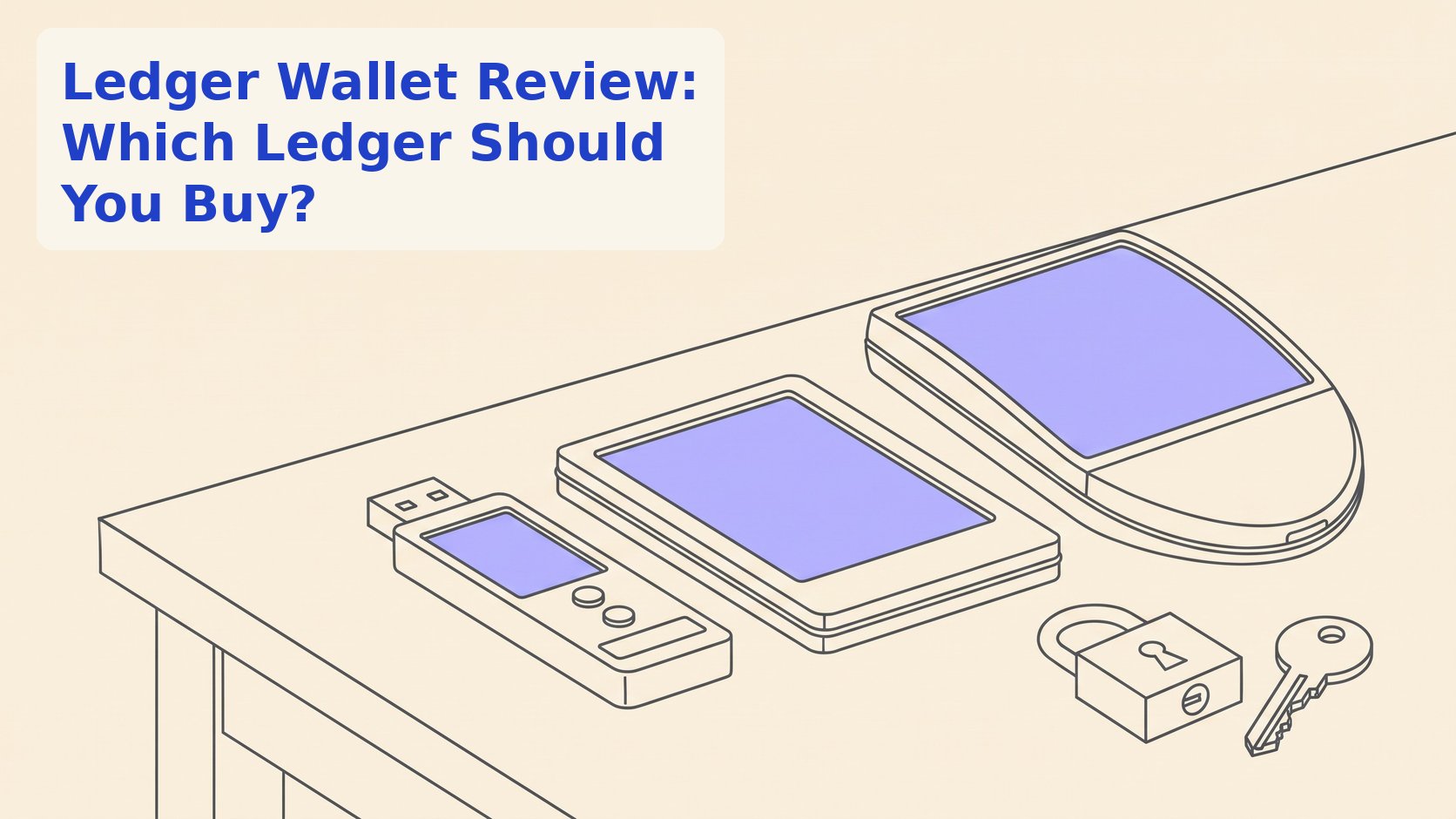
Ledger currently sells five models. Prices below are Ledger's list prices as of mid-2026.
| Model | Price | Screen | Connectivity | Best for |
|---|---|---|---|---|
| Nano S Plus | $79 | Small OLED, two buttons | USB-C | Budget cold storage at a desk |
| Nano X | $149 | Small OLED, two buttons | USB-C, Bluetooth | Mobile use without a touchscreen |
| Nano Gen5 | $179 | E Ink touchscreen | USB-C, Bluetooth, NFC | Most buyers: best value overall |
| Flex | $249 | 2.8-inch E Ink touchscreen | USB-C, Bluetooth, NFC | Frequent DeFi signing, sturdier build |
| Stax | $399 | 3.7-inch curved E Ink touchscreen | USB-C, Bluetooth, NFC, wireless charging | Premium experience, largest screen |
Prices checked against Ledger's store listings as reported in October 2026; Ledger runs frequent promotions, so the live price may be lower. Ledger Wallet is free. Network fees for transactions are paid to the blockchain, not to Ledger, while swaps and purchases inside the app carry partner fees.
Pros and cons
Pros
- Keys stay on a certified secure chip and never touch your computer.
- Broad asset support, including major stablecoins across multiple networks.
- Clear Signing on touchscreen models makes malicious transactions easier to spot.
- A model at every budget, from $79 to $399.
- No device has been compromised remotely in normal use.
Cons
- A 2020 breach of Ledger's marketing database exposed customer emails and home addresses, which fuelled years of phishing.
- In December 2023, a compromised Ledger software library (Connect Kit) briefly let attackers drain users of connected apps, though devices themselves were not breached.
- Closed-source secure element firmware, unlike fully open-source rivals.
- Ledger Recover proved key export is possible, a dealbreaker for some users.
- Older Nano models lack Clear Signing, so they show less transaction detail.
Who should use a Ledger
Ideal user: anyone holding crypto or stablecoins worth more than they would be comfortable losing, who wants a mainstream, well-supported device. The Nano Gen5 is the default pick.
Acceptable user: active DeFi users who sign often and benefit from the Flex or Stax's larger screen, and budget buyers who only store long term, for whom the Nano S Plus is enough.
Wrong user: people who keep small amounts for daily spending, where an exchange or card app is simpler; and users who insist on fully open-source firmware, who should look at Trezor or Keystone instead.
Alternatives worth considering
Trezor: the main rival, with open-source firmware and touchscreen models at similar prices.
Keystone: an air-gapped wallet that signs through QR codes, with no USB or Bluetooth connection.
Multisig: for businesses or larger holdings, splitting control across several keys removes the single point of failure. See our guide to the best multisig wallets and the best self-custody wallets.
Want to spend your holdings without moving them to an exchange? Our ether.fi Card review covers a self-custodial card.
FAQs
Is Ledger legit and safe?
Yes. Ledger is the largest hardware wallet maker and its devices have not been hacked remotely in normal use. Its weak points have been company-side: a 2020 customer data leak and a 2023 software library attack. Buy only from Ledger directly, and never type your recovery phrase into any website or app.
Which Ledger should I buy?
For most people, the Nano Gen5 at $179: touchscreen, Clear Signing, Bluetooth, and NFC at the lowest price for those features. Choose the Nano S Plus at $79 for basic desk storage, or the Flex or Stax if you sign transactions daily and want a larger screen.
Can I store USDC and USDT on a Ledger?
Yes. Ledger supports USDC and USDT on networks including Ethereum and several others supported in Ledger Wallet. Send to the address for the matching network: sending a token on the wrong network can make it hard or impossible to recover.
What happens if I lose my Ledger?
Your crypto is safe as long as you still have your 24-word recovery phrase. Buy a new Ledger, or any compatible wallet, and restore from the phrase. If you lose both the device and the phrase, the funds cannot be recovered.
Ledger Nano X vs Nano Gen5: which is better?
The Nano Gen5. It costs $30 more than the Nano X but adds a touchscreen, Clear Signing, NFC, and a newer secure chip. The Nano X only makes sense if you find it discounted well below the Gen5.
Last updated: October 13, 2026. Prices and features checked at publication; confirm current pricing on Ledger's official store.