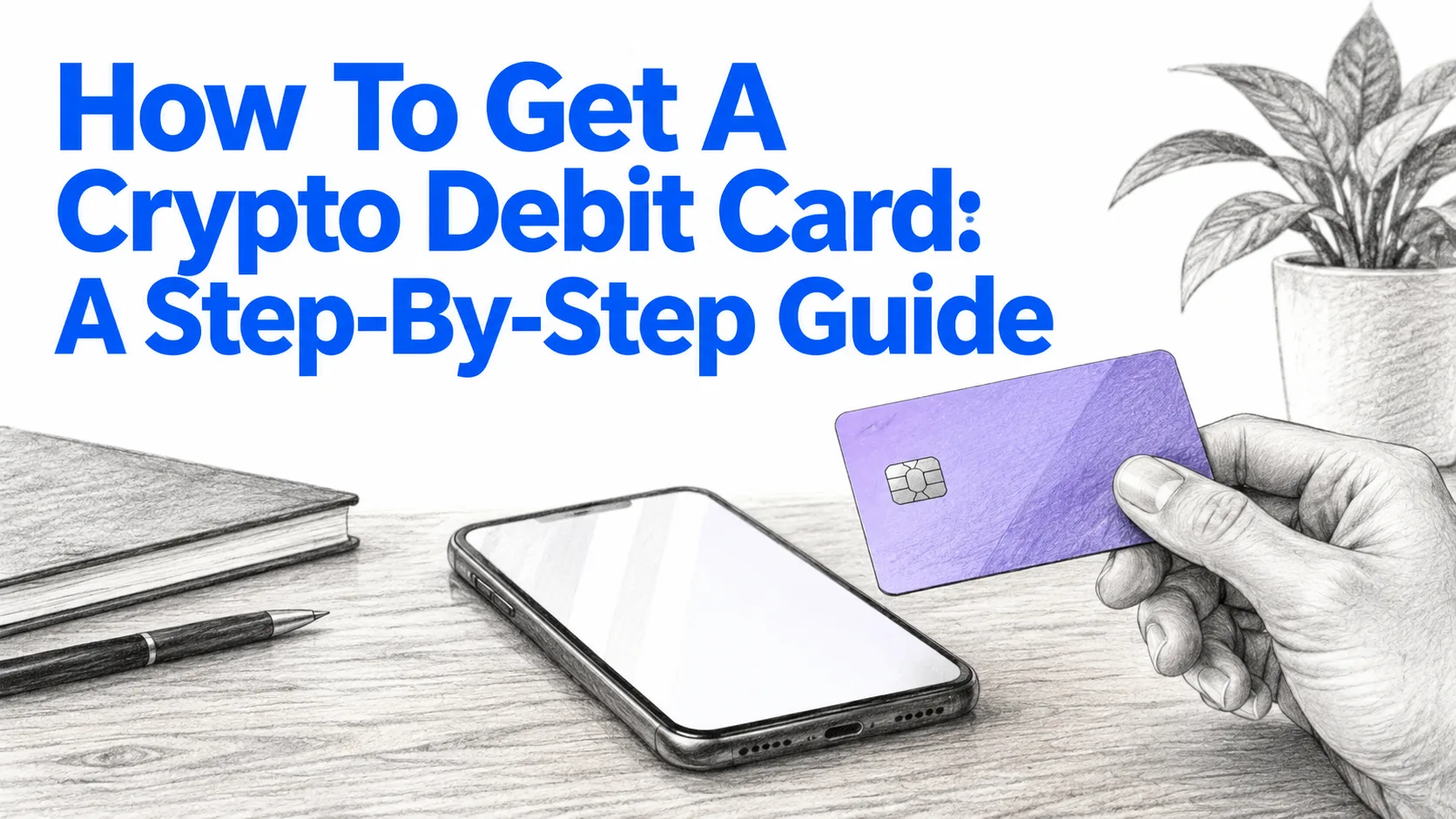
To get a crypto debit card in the US, pick a card issuer your funding source supports, create and verify an account, order a virtual or physical card, fund it, and activate it. Coinbase Card, for example, is available to Coinbase customers in the US, with Hawaii excluded. The mechanics are quick, though verification time varies by issuer. The real decision is custody: whether your balance sits with an exchange or in your own wallet until the moment of payment. Skill level: beginner. Time varies with how quickly verification clears.
What You'll Need
- Government-issued ID for identity verification (KYC).
- A funding source: a US bank account, an existing exchange balance, or a self-custody wallet. Coinbase lets you link a bank account to fund its card; MetaMask asks you to select a funding wallet.
- A smartphone with the issuer's app installed.
- Crypto or stablecoins to spend, such as USDC. Stablecoins avoid price drift between funding and spending.
- Some time, depending on how quickly verification clears.
Takeaway: have ID and funds ready before you open the app; verification is the step most likely to stall.
Choose a Card Type Before You Apply
Crypto debit cards split into two architectures. The choice determines your counterparty risk, your tax events and your recovery options.
Custodial exchange cards versus self-custody wallet cards
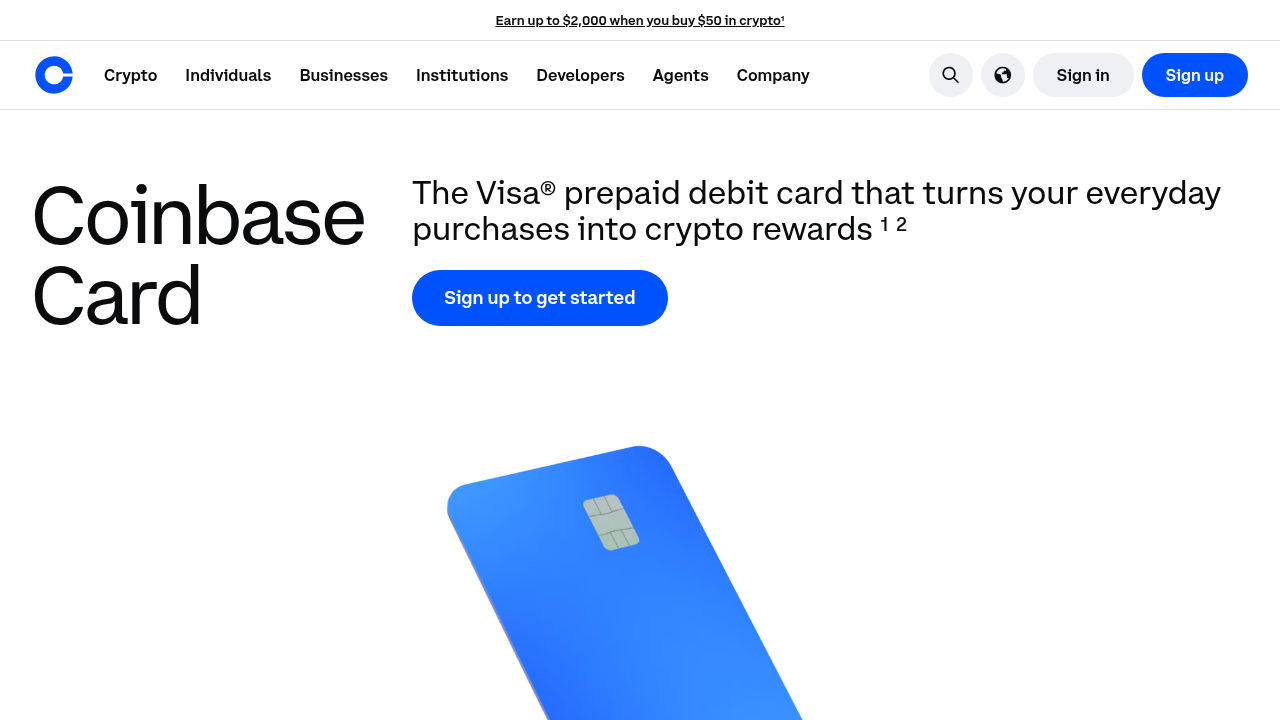
Custodial (prepaid) model. You hold a balance on a platform, and the platform converts it at checkout. Coinbase Card is a Visa prepaid debit card; Coinbase automatically converts crypto to US dollars for purchases and ATM withdrawals. Crypto.com's prepaid card works on a top-up model. Convenience is high; you are trusting the issuer with custody.
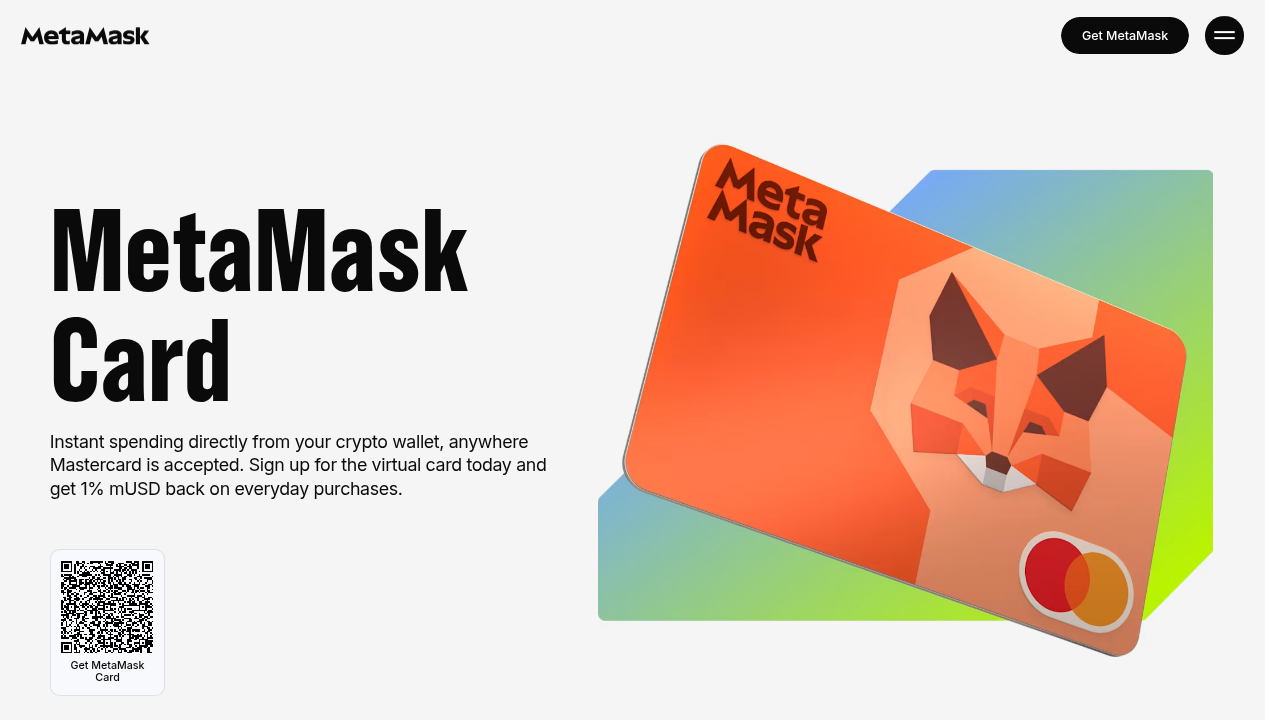
Self-custody (wallet-spend) model. Funds stay in your wallet until you pay. MetaMask states that users keep custody of tokens until payment, with the card connecting to the wallet via Linea, Base, Monad and Solana. This is the passive versus active supply distinction applied to payments: your balance is not idle on an exchange ledger, but you carry key-management risk. If you go this route, wallet security matters more than card features; see the guide to the best secure crypto wallet.
Comparison of four card options
| Card | Network | US availability | Card type | Funding method | Notable limits or fees |
|---|---|---|---|---|---|
| Coinbase Card | Visa | US customers, excluding Hawaii | Virtual or physical prepaid debit | Linked bank account, paycheck deposit, Coinbase balance | No spending fees, no annual fees per Coinbase |
| MetaMask Card | Mastercard | - | Virtual (free digital-only) | Self-custody wallet: mUSD, wETH, EURe, GBPe, USDC, USDT | $15,000/day card limit, $1,000/day ATM limit |
| Crypto.com Prepaid | Visa | US card available | Virtual and physical prepaid | App top-up, including debit card | Debit top-up 1%; Midnight issuance US$4.99, reissue US$7 |
| BingCard | See vendor | See vendor | Virtual and physical | BTC, ETH, USDC, USDT and other coins | Transaction fees 0% to 1% depending on card BIN |
Takeaway: match custody preference and US eligibility first; fees are secondary.
Before You Start
Some choices are expensive to reverse. A physical card can carry an issuance fee; Crypto.com lists US$4.99 for its Midnight card and US$7 to reissue. Custody model and reward selection shape what you hold and what you owe in tax.
Check state eligibility before anything else. Coinbase Card is not available in Hawaii.
Takeaway: decide custody and confirm state eligibility before uploading ID.
Step-by-Step: Getting Your Crypto Debit Card
Step 1: Confirm eligibility in your state
Read the issuer's eligibility statement for your state or region. Coinbase restricts its card to US customers outside Hawaii; MetaMask lets you sign up immediately only in a supported country or territory.
Verification: the card option appears in the app for your account.
Step 2: Create or open your account
Open your existing exchange or wallet account, or create one. For MetaMask, go to the Card tab inside the wallet app. For Coinbase, link your bank account to fund the card.
Verification: the card signup screen loads and your funding source shows as connected.
Step 3: Complete identity verification
Submit your legal name, address and ID exactly as printed on the document. Crypto.com's activation flow includes identity verification as a required step.
Verification: the app shows your identity as verified.
Step 4: Request a virtual or physical card
Choose card format. Coinbase lets you create a virtual card or order a physical one. MetaMask offers a free digital-only virtual card and states it can be activated instantly.
Verification: card details appear in-app, or a shipping confirmation is issued.
Step 5: Fund the card
Top up from your bank, exchange balance or wallet. With MetaMask, you select a funding wallet during signup. With Coinbase, a linked bank or paycheck deposit funds the account.
Verification: the card balance or spendable amount displays the expected figure.
Step 6: Activate the physical card and set a PIN
Virtual Crypto.com cards need no activation. For a physical Crypto.com card, go to Card in the bottom navigation, tap More > Settings, tap Request Physical Card > Activate Card, complete identity verification, then create and enter your PIN. After activation, your virtual card's CVV and expiry update to match the physical card.
Verification: the card status reads active and the PIN is set.
Step 7: Add the card to Apple Pay or Google Pay and test a small purchase
Add the card to your mobile wallet; MetaMask supports tap to pay via Apple Pay or Google Pay. Make a small purchase.
Verification: the transaction posts in the issuer app with the correct amount and conversion.
Troubleshooting

Symptom: Card option is not shown in the app
- Cause: your region is unsupported, for example Hawaii for Coinbase Card.
- Fix: confirm your account address, then check the issuer's eligibility page or choose an issuer that serves your state.
Symptom: Verification stalls
- Cause: submitted details do not match your ID.
- Fix: re-enter name and address exactly as on the document and resubmit a clear photo.
Symptom: Physical card will not activate
- Cause: you may be trying to activate a virtual card, which Crypto.com says needs no activation, or skipping the in-app sequence.
- Fix: follow Card > More > Settings > Request Physical Card > Activate Card, and finish the PIN step.
Symptom: Purchase declined
- Cause: insufficient balance, a daily limit, or a blocked merchant category. Coinbase Card cannot be used at gambling, crypto businesses and several other categories.
- Fix: check balance and limits (MetaMask lists $15,000 per day for spending), then retry with a permitted merchant.
FAQ: Frequently Asked Questions
Do I need KYC for a crypto debit card?
Usually yes. Mainstream US cards verify identity. BingCard claims its virtual tier requires no KYC, but its physical cards require completing KYC online. Expect verification for any card you plan to use offline.
Is a crypto debit card a credit card?
No. It spends a balance you already hold, not borrowed funds. Coinbase Card is a Visa prepaid debit card, and Coinbase states there is no credit check to become eligible for it.
Can I get a virtual card instantly?
Often, yes. MetaMask says its virtual card can be activated instantly in supported regions, and BingCard claims virtual issuance in about five minutes. Crypto.com virtual cards require no separate activation step.
Which cards work in the United States?
Coinbase Card serves US customers outside Hawaii, and Crypto.com publishes a US prepaid card fee schedule. MetaMask Card availability depends on supported regions, so confirm your state inside the app before applying.
Do crypto debit cards pay rewards?
Some do. Coinbase offers optional rotating crypto rewards at a variable rate for US users. MetaMask advertises 1% back in mUSD. Rewards paid in volatile tokens carry price and tax exposure.
Conclusion
Getting the card is a solved problem: verify, order, fund, activate. The open question is structural. Custodial cards win on convenience and fiat rails; wallet-spend cards keep assets off exchange balance sheets until settlement. As stablecoin settlement matures, the question for users and treasurers is whether convenience still justifies handing an issuer custody, or whether self-custody becomes the default spend layer.