Some links on this page are referral links. They never affect our verdicts.
TL;DR
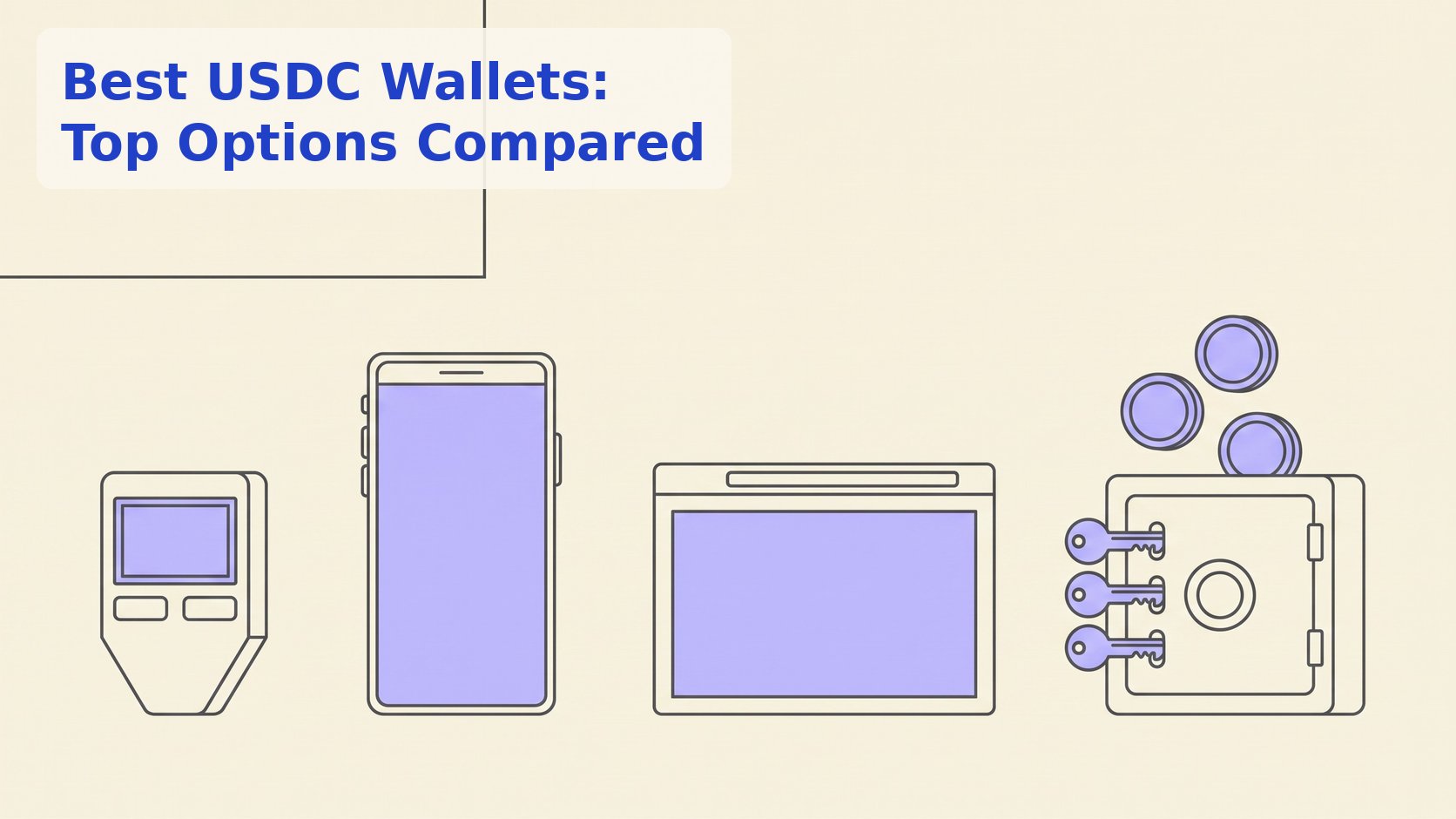
The best USDC wallet depends on how you use it. Best for security: Ledger, a hardware wallet that keeps keys offline for long-term USDC savings. Best for beginners: Coinbase's self-custody wallet, now the Base app, with simple onboarding and low-fee USDC on Base. Best for Solana: Phantom, for fast, cheap USDC payments. Best for DeFi: MetaMask. Best for teams: Safe, for shared control with multisig.
What actually matters when choosing a USDC wallet
USDC is the same token wherever you hold it. What differs is control, cost, and convenience.
Custody. Self-custody wallets give you the keys; exchange accounts hold them for you. For meaningful balances, self-custody removes exchange risk but makes you responsible for your recovery phrase.
Networks supported. USDC runs natively on many blockchains, including Ethereum, Solana, Base, Arbitrum, and Polygon. Your wallet must support the network you receive on.
Fees. The wallet itself is usually free; network fees vary hugely, from cents on Solana and Base to more on Ethereum.
Security model. Hardware wallets keep keys offline; software wallets keep them on your phone or browser; multisig splits control across several keys.
The criterion that really separates options: how much USDC you hold and how often you move it. Savings belong in cold storage; spending money belongs in a fast, low-fee software wallet.
Quick comparison table
| Wallet | Type | Key USDC networks | Cost | Best for |
|---|---|---|---|---|
| Ledger | Hardware, self-custody | Ethereum, Solana, Base and other supported networks | Device from $79 | Long-term USDC savings |
| Base app (Coinbase self-custody wallet) | Software, self-custody | Base, Ethereum, Solana and others | Free app | Beginners, low-fee payments on Base |
| Phantom | Software, self-custody | Solana, plus Ethereum and Base | Free app | Solana payments and apps |
| MetaMask | Software, self-custody | Ethereum and EVM networks | Free app | DeFi on Ethereum and layer 2s |
| Safe | Smart account multisig | Ethereum and many EVM networks | Free, pay network fees | Teams and treasuries |
| Trezor | Hardware, self-custody | Ethereum, Solana and other supported networks | Device pricing similar to Ledger | Open-source cold storage |
Checked October 2026. Supported networks change as wallets add chains, so confirm support before sending.
Top USDC wallets compared
Ledger: best for security
Ledger keeps your private keys on a secure chip that never exposes them to your computer, and every transaction needs approval on the device. That makes it the strongest default for USDC you plan to hold. The Nano Gen5 at $179 adds a touchscreen and clear transaction display; the Nano S Plus at $79 covers basic storage. Where it breaks: it is slower for daily payments, and Ledger's company-side record includes a 2020 customer data leak and a 2023 software library attack. Best for savings. Read our full Ledger wallet review.
Base app: best for beginners
Coinbase's self-custody wallet, rebranded as the Base app, offers the easiest path for new users, especially those buying USDC on Coinbase. USDC on Base, Coinbase's layer 2 network, costs a fraction of a cent to send. Where it breaks: it is a hot wallet on your phone, so it is not the place for large long-term balances. Best for everyday USDC.
Phantom: best for Solana
Phantom is the leading Solana wallet, and USDC on Solana is one of the fastest and cheapest ways to send dollars. It now also supports Ethereum and Base. Where it breaks: mainly a Solana-first experience, and like any hot wallet it is exposed to phishing. Best for payments and Solana apps.
MetaMask: best for DeFi
MetaMask is the most widely supported wallet for Ethereum and EVM networks, so it connects to almost every DeFi app where USDC is lent or traded. Where it breaks: managing networks and gas can confuse beginners, and approving malicious contracts is a real risk. Best for active DeFi users. Pair it with a hardware wallet for larger balances.
Safe: best for teams
Safe is a smart account that requires several signers to approve a transaction, for example two of three. It is the standard for company and DAO treasuries holding USDC. Where it breaks: more setup and network fees per transaction, and overkill for an individual. See our guide to the best multisig wallets for businesses.
Trezor: best open-source cold storage
Trezor is Ledger's main hardware rival, with open-source firmware that appeals to users who want to verify the code. Where it breaks: support for some networks and apps can lag Ledger. Best for security-minded users who prioritize open source.
Key differences that actually matter
Hardware wallets (Ledger, Trezor) win on security and lose on convenience. Software wallets (Base app, Phantom, MetaMask) win on speed and lose on exposure to phishing and device compromise. Multisig (Safe) wins on shared control and loses on simplicity.
Network choice matters as much as the wallet. Sending $500 of USDC on Solana or Base costs well under a cent; on Ethereum it can cost far more during busy periods. Many users run two wallets: a hardware wallet for savings and a software wallet for spending.
When the number one pick is not the right choice
If you send USDC daily, for payroll, freelance payments, or shopping, a hardware wallet adds friction on every transaction; a software wallet on a low-fee network fits better. If you hold USDC for a business, a single-key hardware wallet is a single point of failure; multisig is the safer structure. And if you only hold a small amount, a reputable exchange account may be simpler than managing any wallet.
The verdict
For USDC savings, Ledger. For beginners and everyday payments, the Base app. For Solana, Phantom. For DeFi, MetaMask paired with a hardware wallet. For teams and treasuries, Safe. Whatever you choose, back up your recovery phrase offline and send a small test amount on the right network first.
FAQs
What is the best wallet for USDC?
For long-term holding, a hardware wallet such as Ledger is the safest choice. For everyday use, the Base app or Phantom offer cheap, fast USDC transfers. Businesses should use a multisig wallet such as Safe.
Can I store USDC on a Ledger?
Yes. Ledger supports USDC on networks including Ethereum and Solana through the Ledger Wallet app. Always send USDC to the address for the matching network.
Is it safe to keep USDC on an exchange?
Regulated exchanges are generally reliable, but your USDC depends on the exchange's solvency and security. For larger or long-term balances, a self-custody wallet removes that counterparty risk.
Which network is cheapest for USDC?
Solana and Base typically cost a fraction of a cent per transfer. Ethereum mainnet is the most widely supported but the most expensive. Your wallet and recipient must use the same network.
Do I need a different wallet for each network?
Not always. Many wallets, including Ledger, the Base app, and Phantom, support several networks in one app. Check that your wallet supports the network you are receiving USDC on.
New to USDC? Start with our guide on how to buy USDC.
Last updated: October 13, 2026.